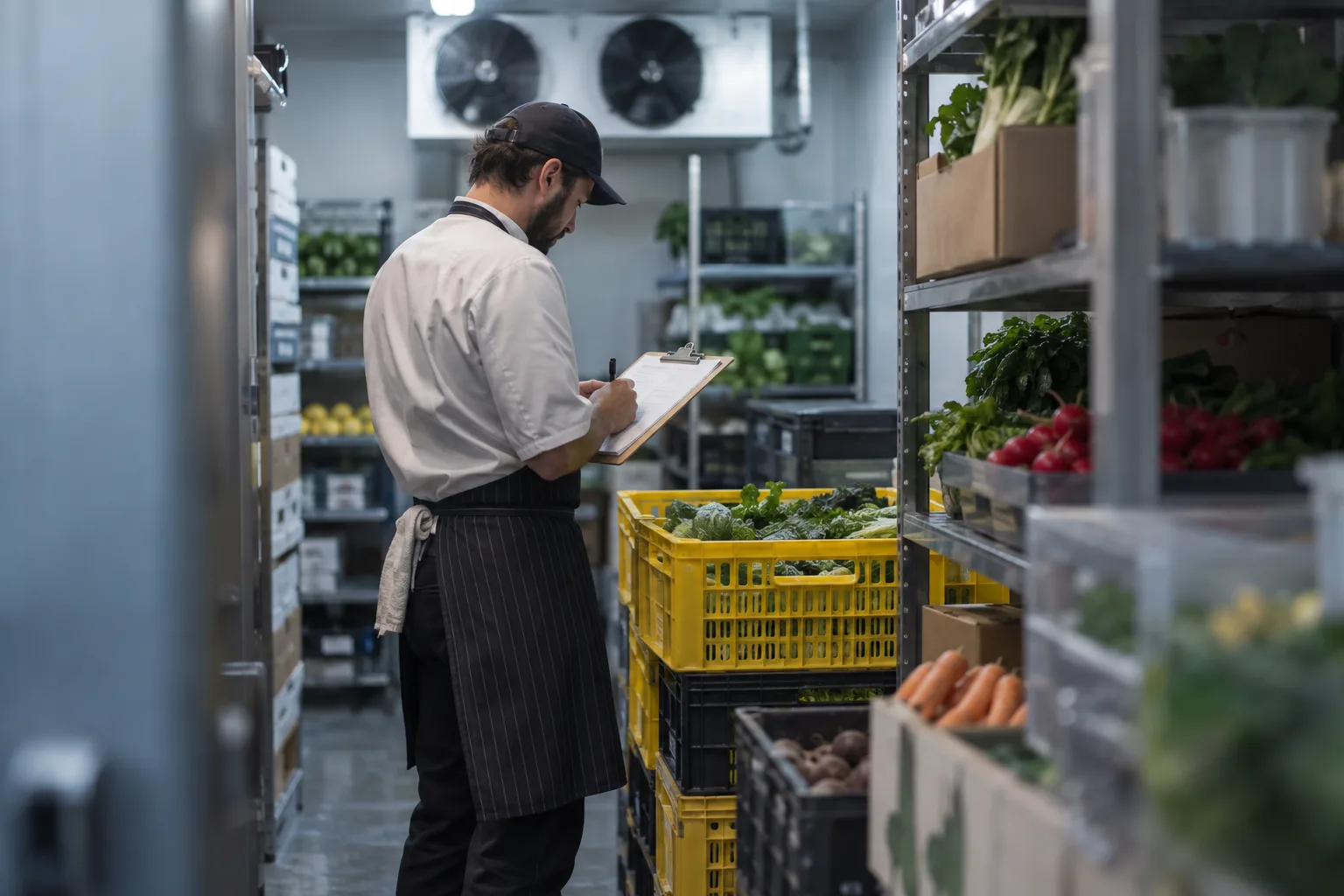
Most restaurant inventory software purchases fail around month three. The demo looked fine, you signed the contract, and then the invoices stopped going in for two weeks and the whole thing drifted into an expensive spreadsheet. The checklist below is built around that failure.
Who this is for
Operators with one to five sites and no finance team. Groups of 20 with a controller want a full back-office suite and can skip to the price table.
The 12-point checklist
1. Invoice capture that works at the back door
Start with how invoices get in. If the answer is “you type them”, the system will be out of date within a month. Look for photo capture on a phone, email forwarding, and AI invoice capture that reads line items rather than the total alone. Ask what happens with a handwritten delivery note from the fish supplier.
2. Line-item accuracy
Price tracking, recipe costing and variance all depend on each invoice line matching the right product. Ask how the software handles a supplier that writes “CHK THIGH B/L 5KG” one week and “Chicken thigh boneless” the next.
3. Integration with the POS you run
Ask about your specific system: Toast, Square, Clover, Lightspeed or Syrve. Ask whether sales come through per item (needed for theoretical usage) or as a daily total (not enough), and how long the POS integration takes to switch on.
4. Mobile counts, in shelf order, blind
Counting on a laptop in the walk-in does not happen. The count has to work on a phone, in shelf order, with expected quantities hidden; blind stock counts catch the errors an open count hides.
5. Recipe costing with yield and live prices
Recipes need a yield percentage per ingredient and prices that update from invoices. A recipe module where you type prices in by hand is a spreadsheet with a login.
6. Price change alerts
The software should tell you when a product’s unit price moves, with a threshold you set, and normalise pack sizes so a shrinking case gets caught. If alerts only exist in a report you have to remember to run, they do not exist.
7. Variance reporting you will read
Theoretical versus actual, by item, by value, for a period you choose. The report you will look at is “top ten variances by dollar value this week”. If getting there takes more than two clicks, you will stop looking.
8. Multi-location, if you have or want it
Can you see all sites in one view, compare a product’s price across sites, and transfer stock between them? Single-site operators should ask too.
9. Setup time and who does it
Ask for a number of days to the first useful variance report, and who enters the product list and recipes. “You do, over about four weeks” is honest. “Our team does it in a week from your invoices” is better.
10. Pricing model you can predict
Per location per month with no per-user charges is the simplest to budget. Watch for setup fees, per-invoice charges, per-user seats and separate charges for the POS integration. Get the all-in monthly figure for your location count in writing.
11. Support that answers during service hours
Restaurants break at 7 pm on a Friday. Ask what support looks like at that time and whether it is a person.
12. Export and exit
Can you get your data out as CSV: products, prices, recipes, counts? A vendor that makes this hard is telling you something.
Questions to ask on the demo
Bring a real invoice, a real count sheet and a real recipe. Then:
- “Scan this invoice now. Show me the lines.” Watch what happens with the messy one.
- “Here is my count sheet. Show me how my staff would do this on a phone.”
- “Cost this recipe with the prices from that invoice.”
- “What does the variance report look like after one week? After one month?”
- “Which of my POS items would need mapping to recipes, and who does that?”
- “What is the total monthly cost for two locations, all in, including the POS connection?”
- “What happens if we stop entering invoices for ten days?”
The last question is the useful one; a good answer explains how the system gets you back on track.
Red flags
- The demo uses perfect sample data and the presenter will not use yours
- OCR is described as “AI-powered” but the demo shows someone typing
- The POS integration is “coming soon” or “through a partner”
- Pricing is only available after a discovery call
- Onboarding is a PDF
- Counts require a laptop or a dedicated scanner
- The variance report is a spreadsheet export
What restaurant inventory software costs: public prices compared
Prices below are per location per month, from vendor pages and third-party listings (Capterra, G2, SelectHub, GetApp) in November 2026. Confirm on a quote; most vendors tier by volume.
| Vendor | Built for | Public price | Strength | Trade-off |
|---|---|---|---|---|
| Restaurant365 | Multi-unit groups with a finance team | About $469 to $499 (Essential plan) | Accounting, payroll, scheduling, inventory in one ledger | Enterprise implementation; heavy under ten sites |
| MarginEdge | Small groups with an office manager | $350 (older reviews $330); $500 with Freepour | Invoice processing; QuickBooks, Sage, Xero sync | Highest mid-tier price for a single site |
| MarketMan | Independents and groups focused on ordering | $199 to $299 by tier (G2: $239 for one site) | Supplier catalog, ordering, recipe costing | Weeks of setup; needs a dedicated person |
| xtraCHEF by Toast | Toast operators adding AP and inventory | From $149 by invoice volume (third-party listings; Toast does not publish) | Lives inside the Toast account | Toast only |
| bilz | One to fifteen sites, no back-office person | $149, one plan | AI invoice OCR, blind counts, price alerts, daily P&L; Toast, Square, Clover, Lightspeed, Syrve | No accounting sync yet (roadmap); no payroll or ledger |
Where the main options sit
Restaurant365, MarginEdge and MarketMan are the established, heavier platforms, with more modules and more setup than a single site needs. R365 is the right answer for ten or more locations that want accounting, payroll and inventory in one system, and the wrong answer for a two-site operator who wants inventory working by next week.
xtraCHEF by Toast is the natural add-on if you run Toast; operators on Square, Clover or Lightspeed need to look elsewhere.
bilz sits in the lighter segment: a manager with a phone keeping food cost under control without an office, at $149 per location per month for one to roughly fifteen locations. It does not sync to accounting software yet (on the roadmap; today your bookkeeper works from exports) and does not do payroll or a general ledger, so a group that wants one system for everything should look at Restaurant365 instead.
A simple way to decide
Score each candidate on the 12 points above, 0 to 2 each; anything below 16 of 24 will not stick. Then weigh invoice capture (point 1) and setup time (point 9), which decide whether the system is live in a month or abandoned in three.
Book demos with two vendors, bring your own invoices to both, and pick the one where the invoice went in cleanly. For bilz’s answers to the 12 points before a demo, the FAQ covers setup time, POS coverage and the roadmap.
Frequently asked questions
What is the best inventory software for a small restaurant?
The one whose invoice capture your team will keep using. For one to five sites without an office manager, that means phone invoice OCR, mobile blind counts and a flat per-location price: bilz, MarketMan’s entry tier or xtraCHEF on Toast.
How much does restaurant inventory software cost?
Public prices run from about $149 per location per month (bilz, xtraCHEF’s listed floor) through $199 to $299 (MarketMan) and $350 (MarginEdge) to $469 to $499 for Restaurant365’s Essential plan. Setup fees, per-user seats and POS connector charges come on top at some vendors, so ask for the all-in figure.
Does Toast, Square or Lightspeed have built-in inventory?
Each ships a basic stock module, and Toast sells xtraCHEF as a fuller add-on. The native modules track counts per item but do not read supplier invoices line by line, so prices and recipe costs stay manual; a kitchen with 300 SKUs and 40 invoices a month outgrows them.
What is the difference between MarginEdge and MarketMan?
MarginEdge starts from the invoice and the accounting link, getting bills into QuickBooks, Sage or Xero with inventory attached, at $350 per location. MarketMan starts from ordering and purchasing, with a supplier catalog and recipe costing, at $199 to $299. Pick MarginEdge if bookkeeping drives the purchase, MarketMan if ordering does.