Restaurant invoice processing is the least visible job in the building and one of the most expensive. Someone types each line of each supplier invoice into a spreadsheet, checks the price against what you agreed, and files the credit note when a case is short. Operators we talk to put the whole job at 12 to 15 hours a week. AI OCR takes most of that away, with limits you should know before you buy.
The hidden cost of manual invoice entry
A 40-line produce invoice takes 15 to 20 minutes to key in, check and file. At 200 invoices a month that is 30 to 40 hours of manager time, and it lands on the GM at 11 pm or the owner on a day off.
Then the errors. QSR Magazine analysed 1.27 million invoices and found 22.7% with at least one line billed above the agreed price: one invoice in five. With no price history to check against, an overcharge of 30 cents a kilo on chicken passes each week and shows up months later as a food cost that drifted a point.
How AI invoice capture works: photo to line items to price history
Four stages, and the first is the only one you touch.
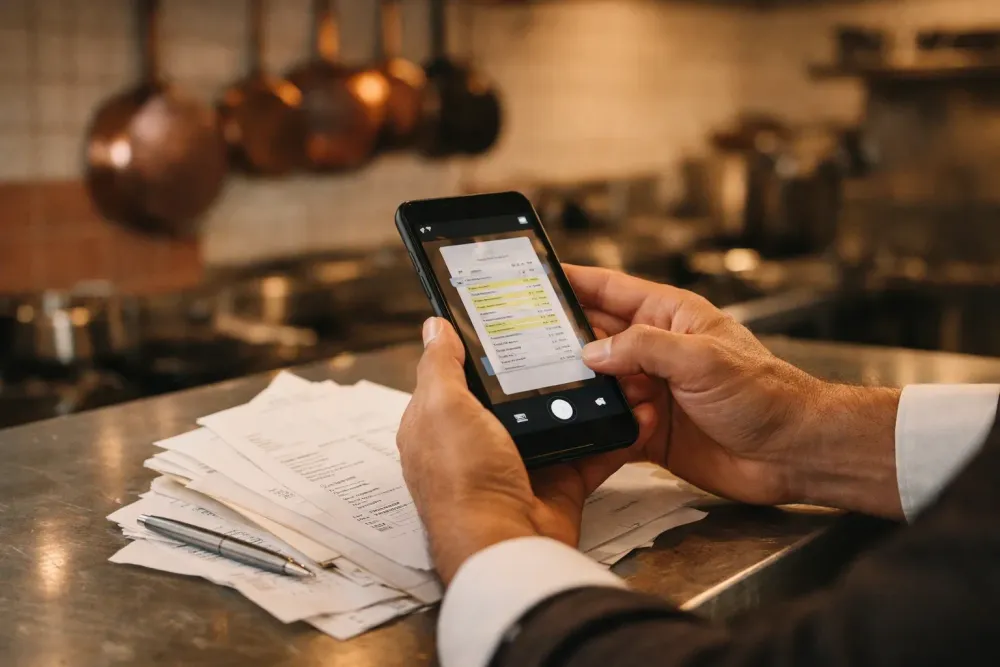
- Capture. Photograph the invoice at the back door, forward the supplier’s email, or upload the PDF.
- Read. A vision model finds the supplier, invoice number and date, then each line’s description, quantity, unit, unit price and total. It reads the page the way a person does, so a crooked photo is fine.
- Match. The model maps each line to an item in your catalog. “CHX THI BNLS 4/5LB” becomes boneless chicken thigh, case of 4 × 5 lb, with the unit price normalised to a price per pound or kilo.
- Check. The system compares each normalised price with the last price paid and the agreed price list, confirms the lines add up to the total, and flags anything off: a price up 6%, a case short, a deposit charged twice.
Processing takes under 10 seconds an invoice, against 15 to 20 minutes by hand, and the output is a line-level price history: what you paid for salmon in each of the last 12 weeks, from which supplier, in which pack size.
OCR vs AI extraction: why templates fail on restaurant invoices
Classic OCR converts pixels to characters and then relies on a template per supplier: the invoice number sits in this box, the line items start at that row.
Restaurant invoices break templates. Lines use abbreviations the driver understands and the template does not. Quantities come in cases, each, kilos and “1 × 10 kg”. The driver crosses out a quantity in biro and writes the delivered count beside it. Credits and keg deposits sit on the same page as product, on thermal paper, folded, photographed at an angle.
AI extraction reads meaning rather than position: “BNLS” means boneless, and a struck-through 12 with a handwritten 11 beside it means 11 delivered. The hard part, as meez described in a candid piece on the last mile of invoice AI, is the catalog match: deciding that one supplier’s “SALMON FLT ATL SKON” is another’s “Atlantic salmon fillet, skin on”. That match makes price comparison across suppliers possible, and it is where a restaurant-trained system earns its keep.
What accuracy to expect, and why a review step stays
Vendors quote 95 to 99% field accuracy on clean PDFs and 90 to 97% on photographed paper. A 40-line invoice with five fields a line is 200 fields; at 98% accuracy that is four wrong values per invoice. The useful measure is the touchless rate, the share of invoices that post with no human correction, and the time to ask for it is after month one, once the catalog has learned your suppliers’ abbreviations.
The review step stays for the low-confidence lines. A well-built system shows you only the lines it doubts, such as a smudged unit price or a new item that matched nothing. You correct in a few seconds and the next invoice from that supplier needs less of you. Skipping the review step is how a mis-read $4.55 becomes $45.50 in your food cost.
Real-world impact: time, price alerts, credits recovered
Restaurants using AI invoice capture report a 90% reduction in data entry time, 95%+ accuracy on first-pass extraction, and price changes visible the day they happen.
Once each line carries a normalised price, a 6% increase on chicken thigh raises an alert the morning the invoice arrives, so you catch supplier price increases on every invoice instead of at quarter end. You raise a credit request for a short delivery the same day. And because purchases post by delivery date with line-level detail, you can run a daily restaurant P&L built from invoices and POS sales without waiting for the accountant.
What to look for in restaurant invoice processing software
Generic AP tools read invoices well and know nothing about food. Use this list against any vendor’s feature page, ours included:
- Restaurant-trained extraction: abbreviations, pack sizes, unit conversions, handwritten corrections.
- Catalog matching across suppliers, so the same item from two vendors compares on one line.
- Confidence scoring with a review queue, so you see only the lines the model doubts.
- Multi-language and multi-currency support if you source across borders.
- Price history and alerts per item, with thresholds you set.
- POS and accounting sync: itemised sales from Toast, Square, Clover, Lightspeed or Syrve, and an export your accountant can use; the integrations page lists what connects.
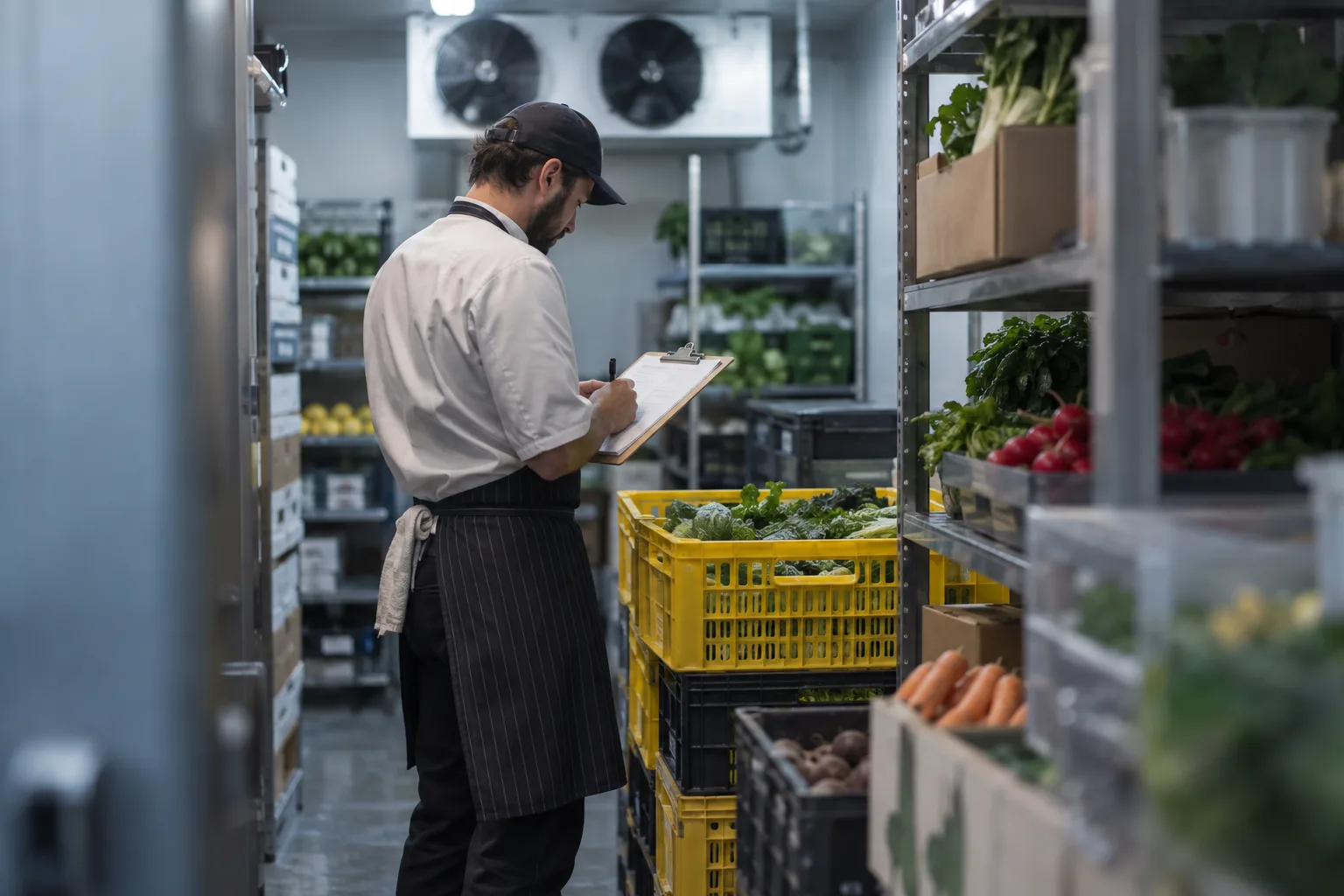
- Phone capture at the back door, because the invoice photographed at delivery is the one that gets checked.
The ROI calculation (worked for one site)
One restaurant, 200 invoices a month, $50,000 of monthly food and beverage purchases:
| Line | Manual | With AI capture |
|---|---|---|
| Entry time | 30 to 40 hours at $25 to $35 loaded | 3 to 4 hours of review |
| Labor cost per month | $750 to $1,400 | $75 to $140 |
| Overcharges and short-ships caught | close to none | 2% of spend, $1,000 |
| Software | $0 | $149 |
| Net monthly gain | $1,500 to $2,100 |
The 2% figure is conservative against the one-in-five invoices QSR found with an overbilled line. At $149 a month the tool covers its cost in the first week, and most sites see a 5x to 10x return inside the first quarter.
Getting started in a week
Day 1: photograph each invoice as it arrives. Days 2 and 3: approve the catalog matches the system proposes for your top suppliers. Day 4: set alert thresholds; 5% on the last price is a sensible start. Day 5 onward: review the flagged lines each morning and raise credit requests the same day.
This is how bilz handles restaurant invoice processing: phone, email or PDF capture, restaurant-trained extraction, catalog matching, price alerts and a daily P&L fed by the invoice data, at one flat price of $149 per location per month with no setup fee. See pricing for what is included.
Frequently asked questions
How does AI invoice processing work?
You photograph or forward the invoice. A vision model reads the header and each line, matches lines to your catalog, normalises unit prices, and checks them against the last price paid and the agreed price list. Lines the model doubts go to a short review queue; the rest post without a touch.
How accurate is invoice OCR?
Vendors quote 95 to 99% per field on clean PDFs and 90 to 97% on photographed paper. Judge a tool on its touchless rate for restaurant invoices after a month, and on how it handles the lines it gets wrong.
Can I scan invoices with my phone?
Yes, and the back door is the best place to do it. A photo taken at delivery captures the driver’s handwritten corrections and timestamps the credit request.
Does invoice automation work with QuickBooks or Xero?
Most restaurant invoice tools export approved invoices to QuickBooks, Xero or a CSV your accountant can import. Check that the export carries supplier, date and tax split per invoice, and ask whether the sync exists today or sits on a roadmap.